Its an absolutely simple procedure to preview module position in Joomla templates owing for developing website. To do so, follow the instruction below.
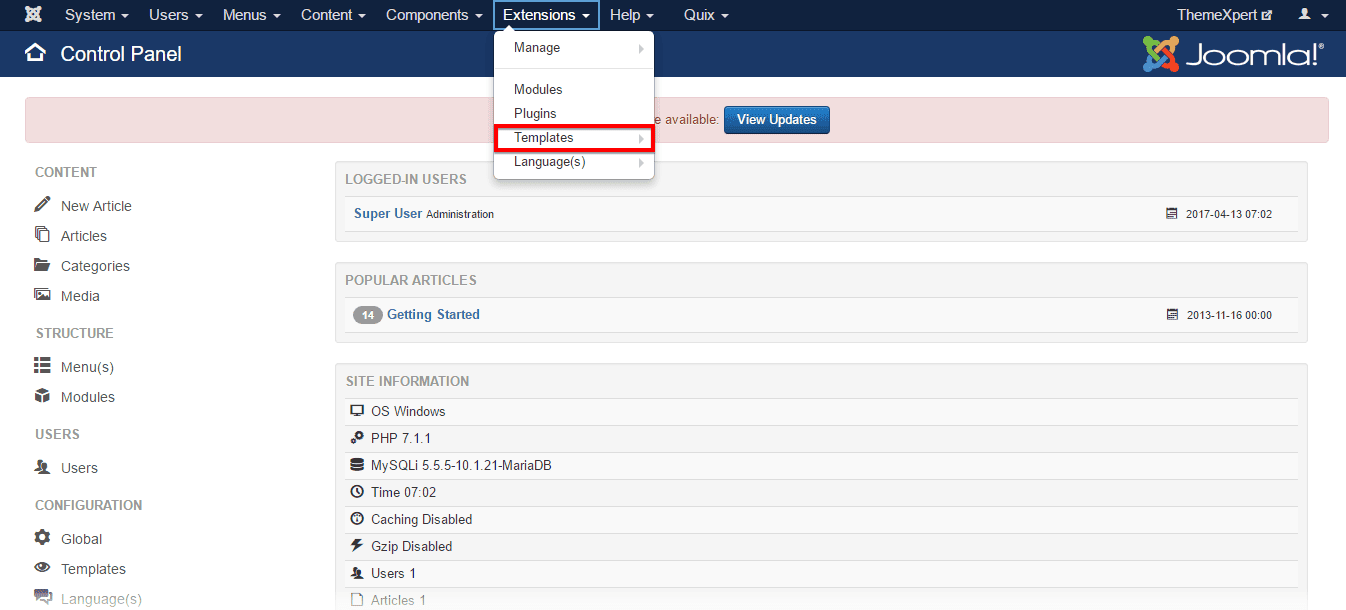
- Go to
Extensions> Templates.
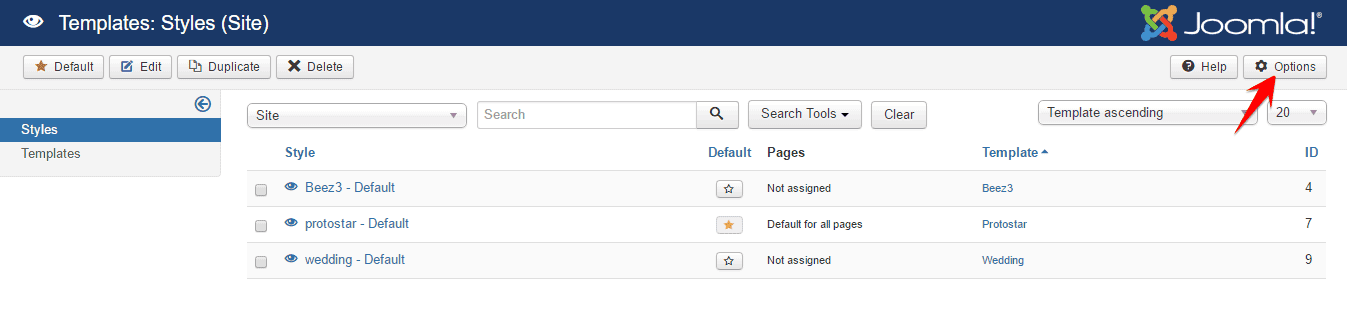
- Click on the Options button at the right top of the configuration module.
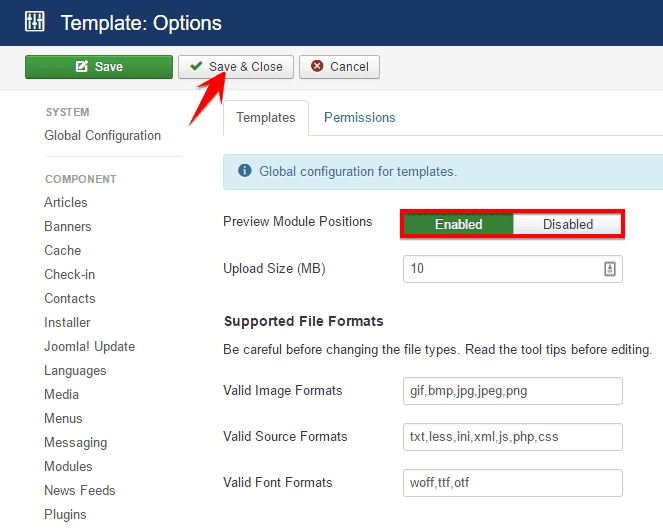
- Make sure that the Preview Module Positions is set Enabled.
- Now, inpute your website URL on your browser's tab and after the URL just write `?tp=1' and press enter button.

Here, tp means Template Position.
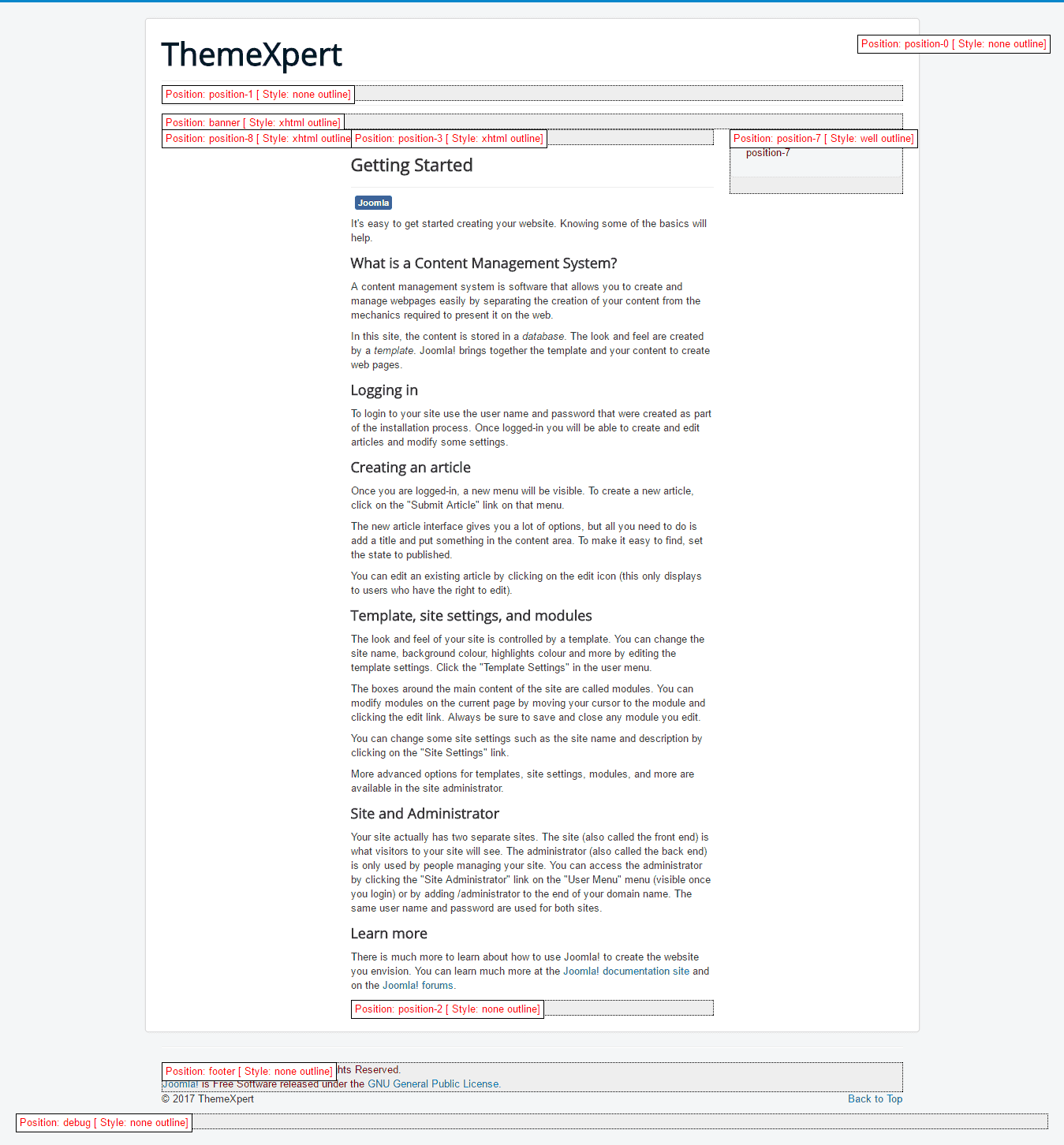
Now, the front-end appearance should be like below with showing all your website's module positions where to place a module according to your need.